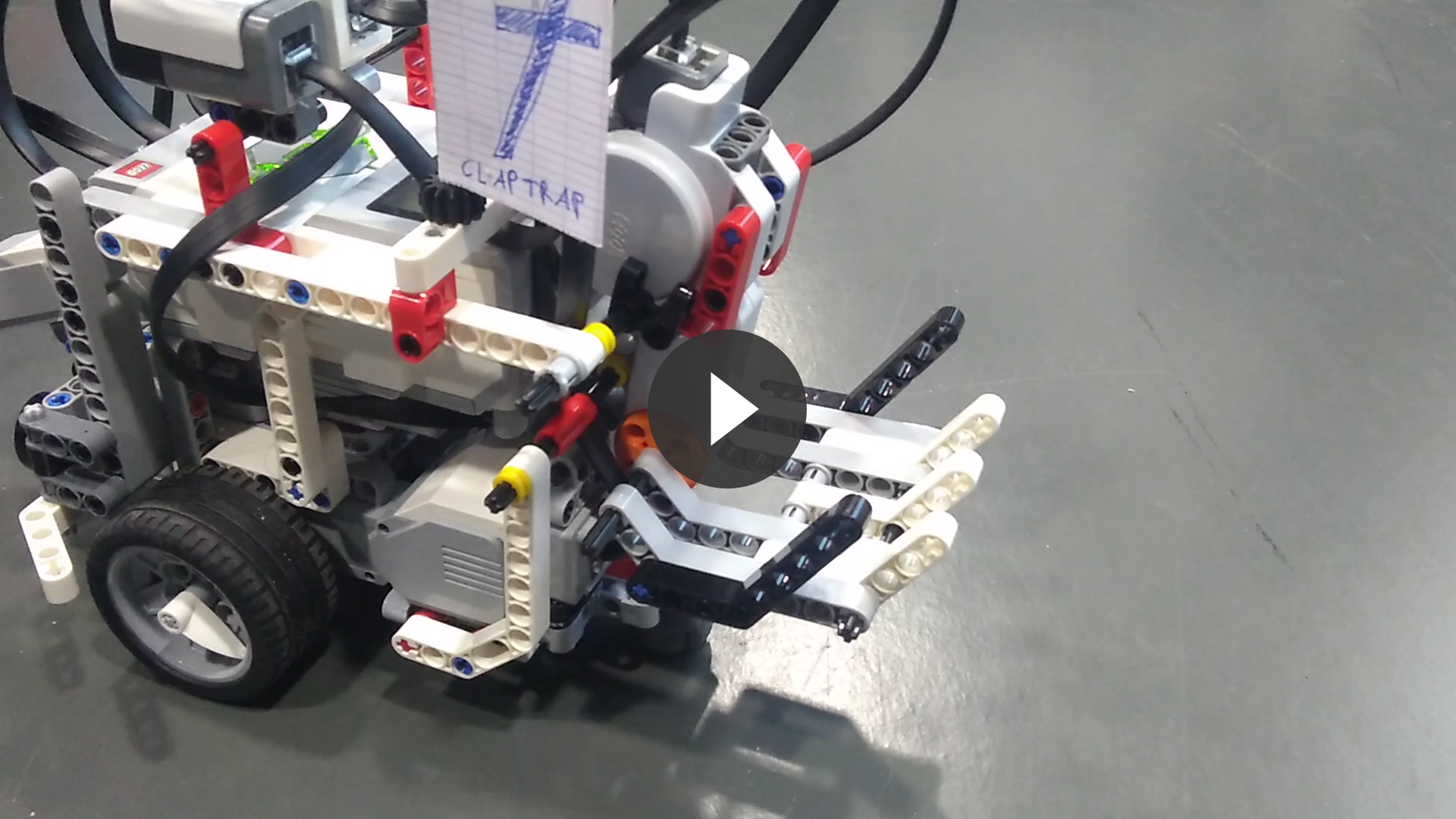
Claptrap
Claptrap is a robot based on the LEGO MINDSTORMS EV3, whose purpose is to map a previously unknown room. It has been designed by Nathan Biette, Erwan Culerier and Olivier Roques for the OS fall course 2017 in EURECOM.
This project is maintained by ojroques
Claptrap, a room mapping robot
Table of contents
- Presentation
- Links
- Source code and instructions
- Claptrap specifications
- Code architecture
- Algorithms
- Work division
- Videos and Pictures
Presentation
Claptrap is a robot based on the LEGO MINDSTORMS EV3, whose purpose is to map a previously unknown room. It has been designed by Nathan Biette, Erwan Culerier and Olivier Roques for the OS fall course 2017 at EURECOM.
Links
General information
Documentation
Source code and instructions
Source code is available on our repository. Follow these steps to run our algorithm on your Lego Mindstorms EV3:
- Set-up the robot and connect to it via ssh.
- Update the robot with the latest packages:
sudo apt-get update && sudo apt-get upgrade - Install extra packages you will need for the project:
sudo apt-get install gcc make libbluetooth-dev - Install the development environment on the robot:
GIT_SSL_NO_VERIFY=true git clone https://github.com/in4lio/ev3dev-c.git cd ~/ev3dev-c/source/ev3 make sudo make install - Clone our repository on the robot and compile the source:
cd ~ git clone https://github.com/ojroques/OSproject-Claptrap.git cd OSproject-Claptrap/src/ make main - Install the server on a computer:
git clone https://gitlab.eurecom.fr/ludovic.apvrille/OS_Robot_Project_Fall2017.git cd OS_Robot_Project_Fall2017/server make server - On the robot, change
SERV_ADDRinsrc/client.hwith your server bluetooth adress. - On your server, create a file with 14 lines. Each line of this file must correspond to a robot following this format:
1 BLUETOOTH_ADDR ROBOT_NAMEYou can copy-paste this example in a file called
claptrapto use only Claptrap as robot (the team ID of Claptrap is 7, you can change it inconfig.h):1 00:00:00:00:00:00 Team01 1 00:00:00:00:00:00 Team02 1 00:00:00:00:00:00 Team03 1 00:00:00:00:00:00 Team04 1 00:00:00:00:00:00 Team05 1 00:00:00:00:00:00 Team06 1 a0:e6:f8:dc:96:79 Claptrap <-- Use your own bluetooth address here 1 00:00:00:00:00:00 Team07 1 00:00:00:00:00:00 Team08 1 00:00:00:00:00:00 Team09 1 00:00:00:00:00:00 Team10 1 00:00:00:00:00:00 Team11 1 00:00:00:00:00:00 Team12 1 00:00:00:00:00:00 Team13 - Launch the server with the previously created file:
./server claptrap - You can now run the program on your robot:
cd OSproject-Claptrap/src/
make run
Claptrap specifications
Sensors
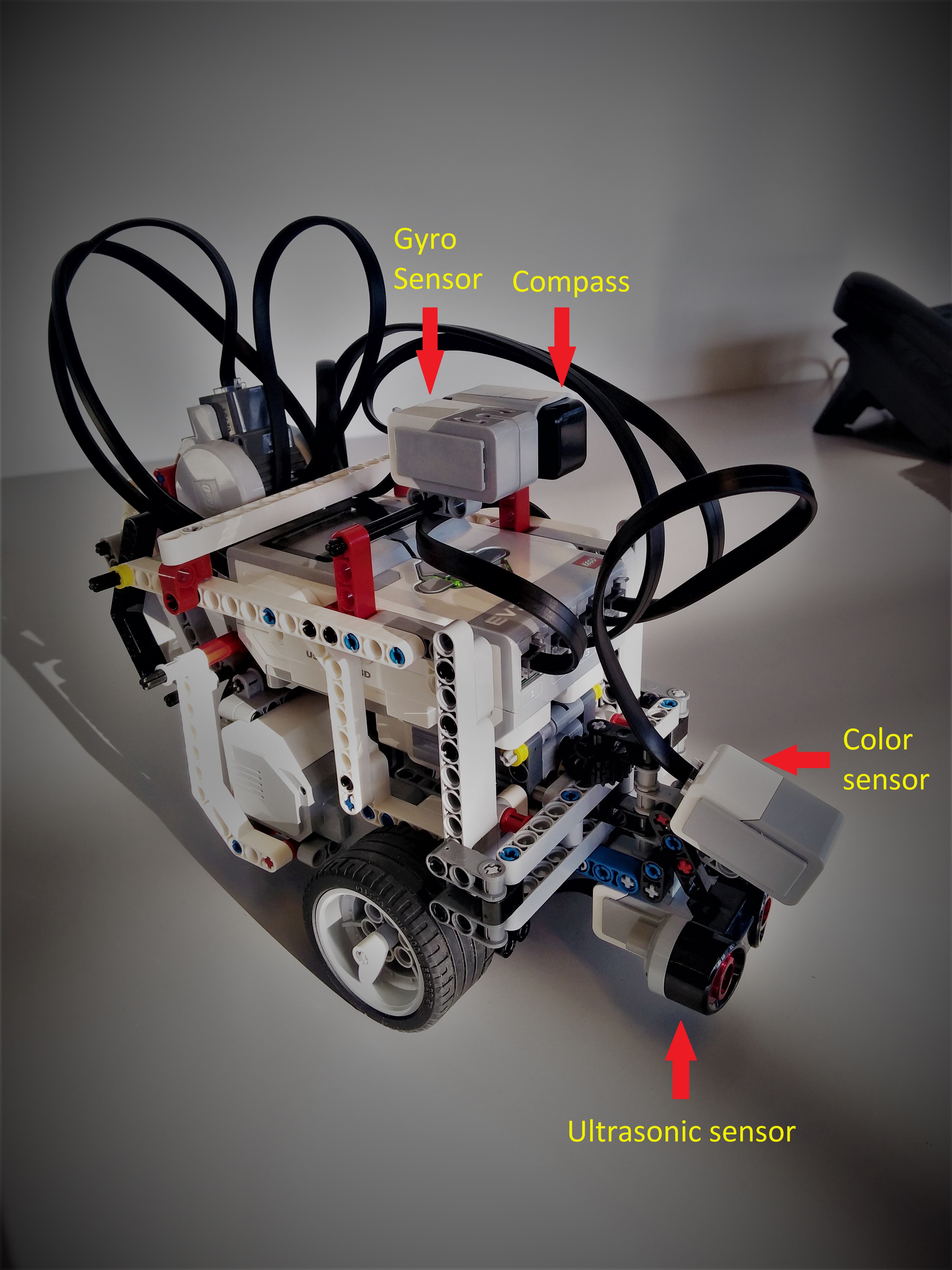
Claptrap uses 4 sensors:
Tachos
Claptrap uses 4 tachos:
- Two large tachos for both wheels
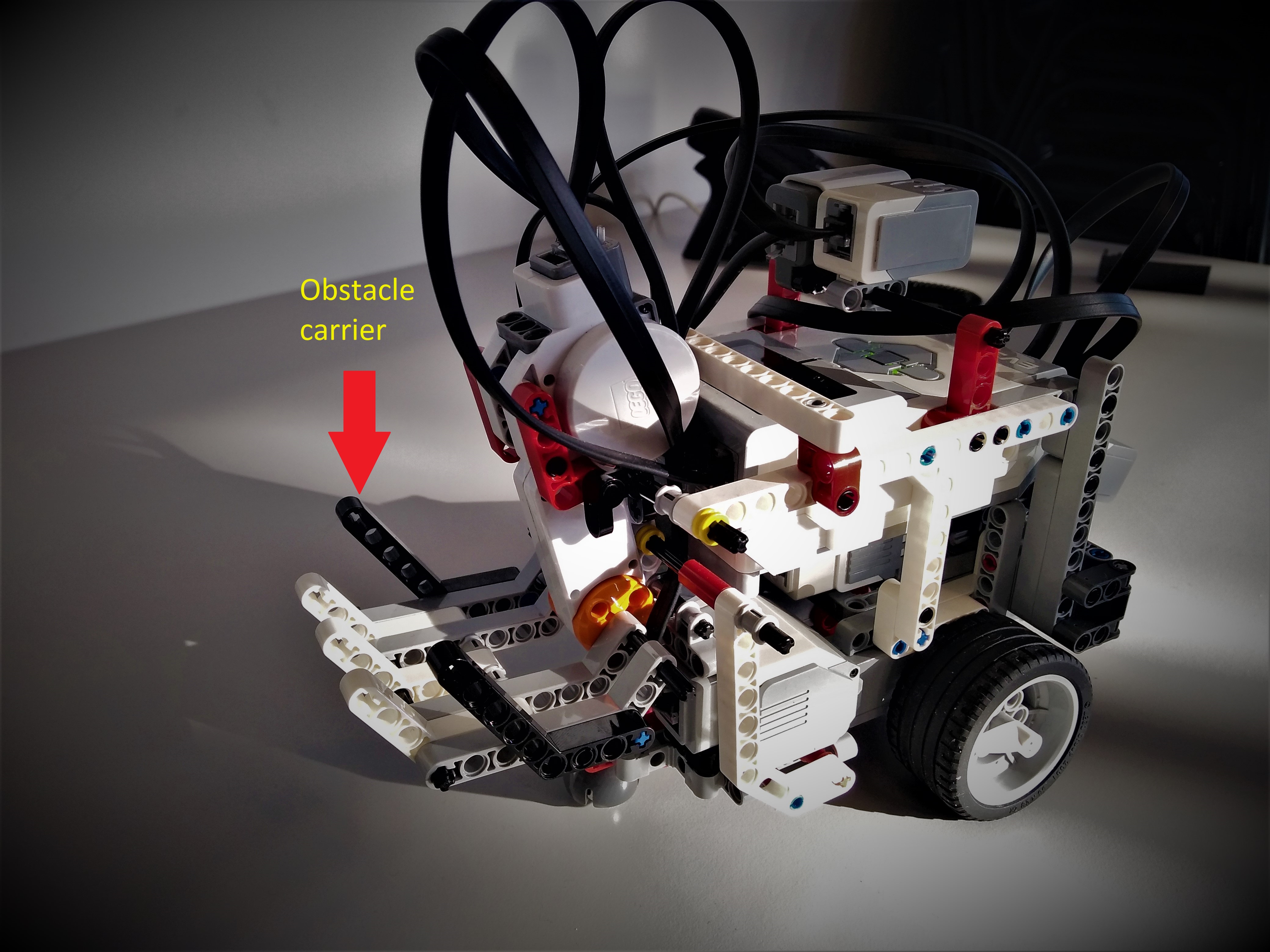
- One large tacho in its back for the obstacle carrier
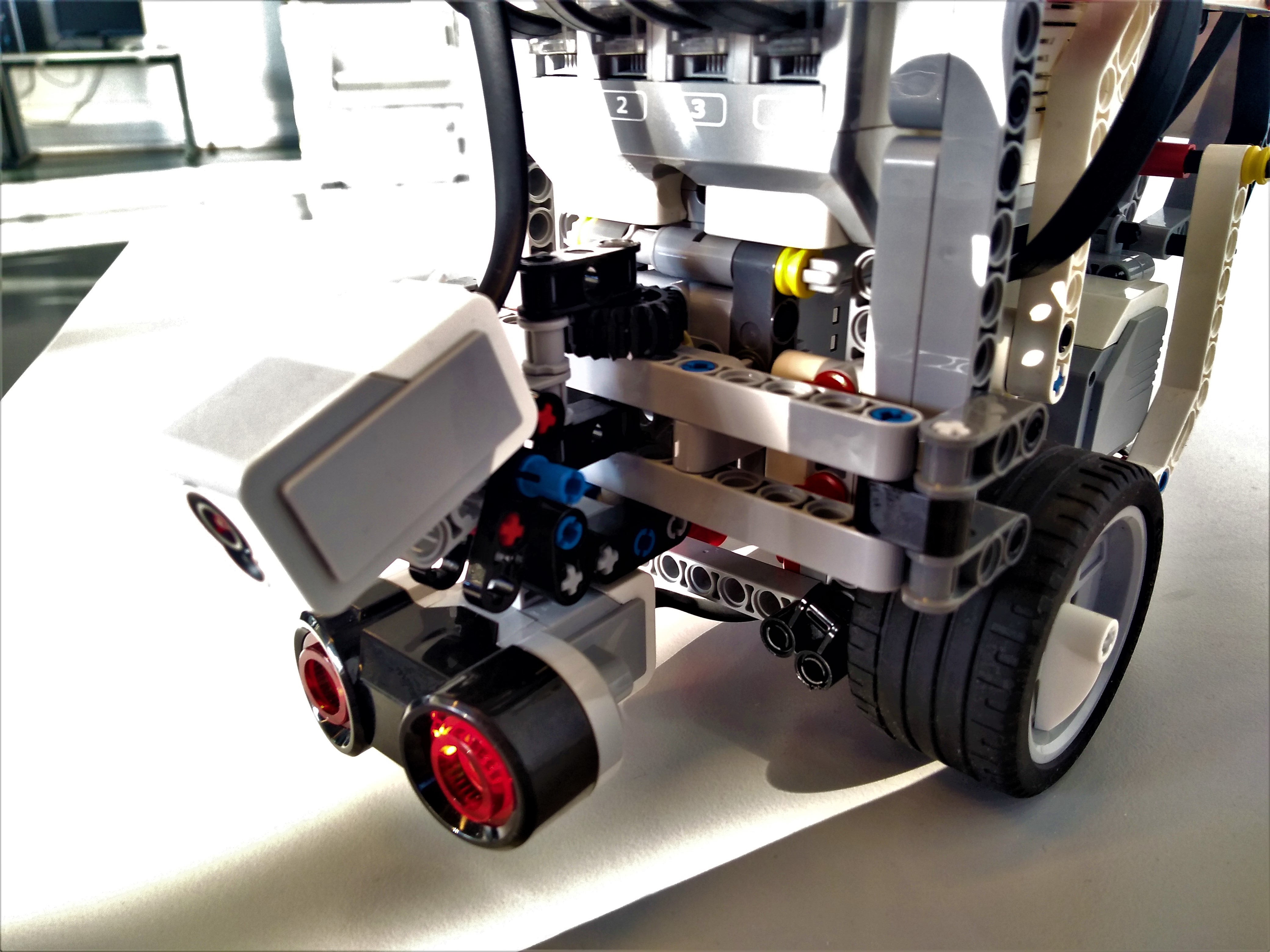
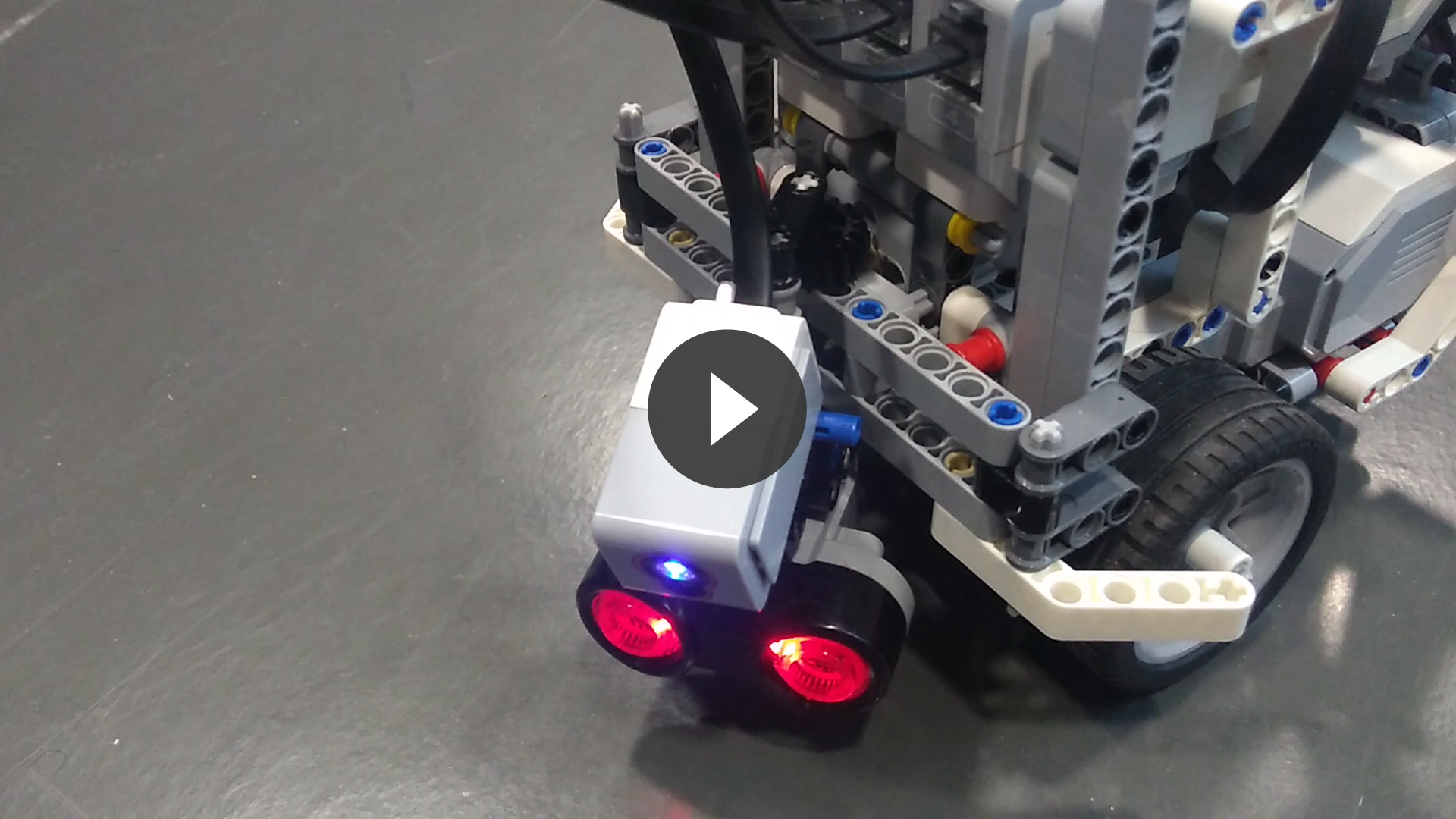
- One medium tacho to control the rotation of the ultrasonic sensor
Code architecture
The repository contains 3 folders:
- docs : website content
- src : the project source code
- tests : general tests for sensors and tachos
src structure
The source code is split into 8 parts:
- main.c and main.h : the main algorithm
- client.c and client.h : client-server communications
- config.c and config.h : Claptrap initialization (tachos, sensors, network, image) and uninitialization
- image.c and image.h : map functions
- position.c and position.h : position thread and functions
- sensors.c and sensors.h : to use the sensors
- tachos.c and tachos.h : to control the tachos
- const.h : general constants
Algorithms
Claptrap is initialized with a map of arbitrary size filled with 0 (unexplored) and a starting position, as well as a timer (4 minutes).
The exploration algorithm
An infinite loop is started. There are two parts to this loop:
- First, the center of the largest unexplored area is given to Claptrap, which then tries to go there. Once arrived or if it encounters an obstacle, it stops and go to the next step. This part aims to maximize the surface explored.
- The area exploration procedure is then executed 4 times.
Area exploration
This second part is split into 5 sections:
- ANALYSE :
- Claptrap faces one direction (North for instance)
- If it detects an object at less than 25cm, it calls the procedure
obstacle_typedetailed below - If there is in fact an unmovable object, we update the map accordingly
- In any cases, we save the sonar value for the current direction (North here)
- Claptrap rotate by 90 deg.
- We start over until each direction has been analyzed
- DECISION :
- Claptrap selects the direction with largest leeway and greater than 15cm (to allow it to move without bumping into obstacles)
- If this direction would result in a loop (Claptrap goes back and forth), it is ignored
- The chosen direction is saved (if there is one)
- MOVEMENT :
- Claptrap turns to face the chosen direction
- It goes forward until an obstacle is detected
- LOOPING AND STOPPING CONDITIONS
- Claptrap restarts at analyse
- Exploration is stopped when time is up or Claptrap is stuck (no direction available)
- MAPPING
- The map is sent to the server: 0 indicates free area, 1 indicates obstacles
OBSTACLE_TYPE procedure
This function returns the type of obstacle Claptrap is currently facing:
- Claptrap moves closer to the object (typically at 3cm from the object to make color detection possible and reliable)
- The color is analyzed: red indicates a movable obstacle
- Claptrap moves backward to its previous position
- An integer is returned indicating the obstacle type or if there is none
Position thread
In parallel of the main algorithm, a thread updates Claptrap position. This position is then sent to the server every 1.5s.
Work division
You can check our repository activity here.
Olivier Roques
- Main algorithm: procedures for room exploration and mapping
- Client / Server communications
- Map and image: initialization, manipulation and transmission
- Website
- Integration
- Robot configuration in
config.cregarding the server and the image
Nathan Biette
- Robot architecture: building the LEGO robot
- Sensors: tests, initialization, getters
- Robot movements: release of an obstacle, controlling the tacho to rotate the head, rotation of the robot using the gyro, translation calibration, updating the robot position
- Robot configuration in
config.cregarding the sensors
Erwan Culerier
- Robot movements: basic rotation and translation
- Position: calculation, thread, obstacle positioning
- Map and image: update map after scan or movement
- Robot configuration in
config.cregarding the tachos - Images and videos
Videos and Pictures
Pictures
Claptrap
The movable ultrasonic sensor
The obstacle carrier
Videos
Click the pictures to access the videos.
Exploration
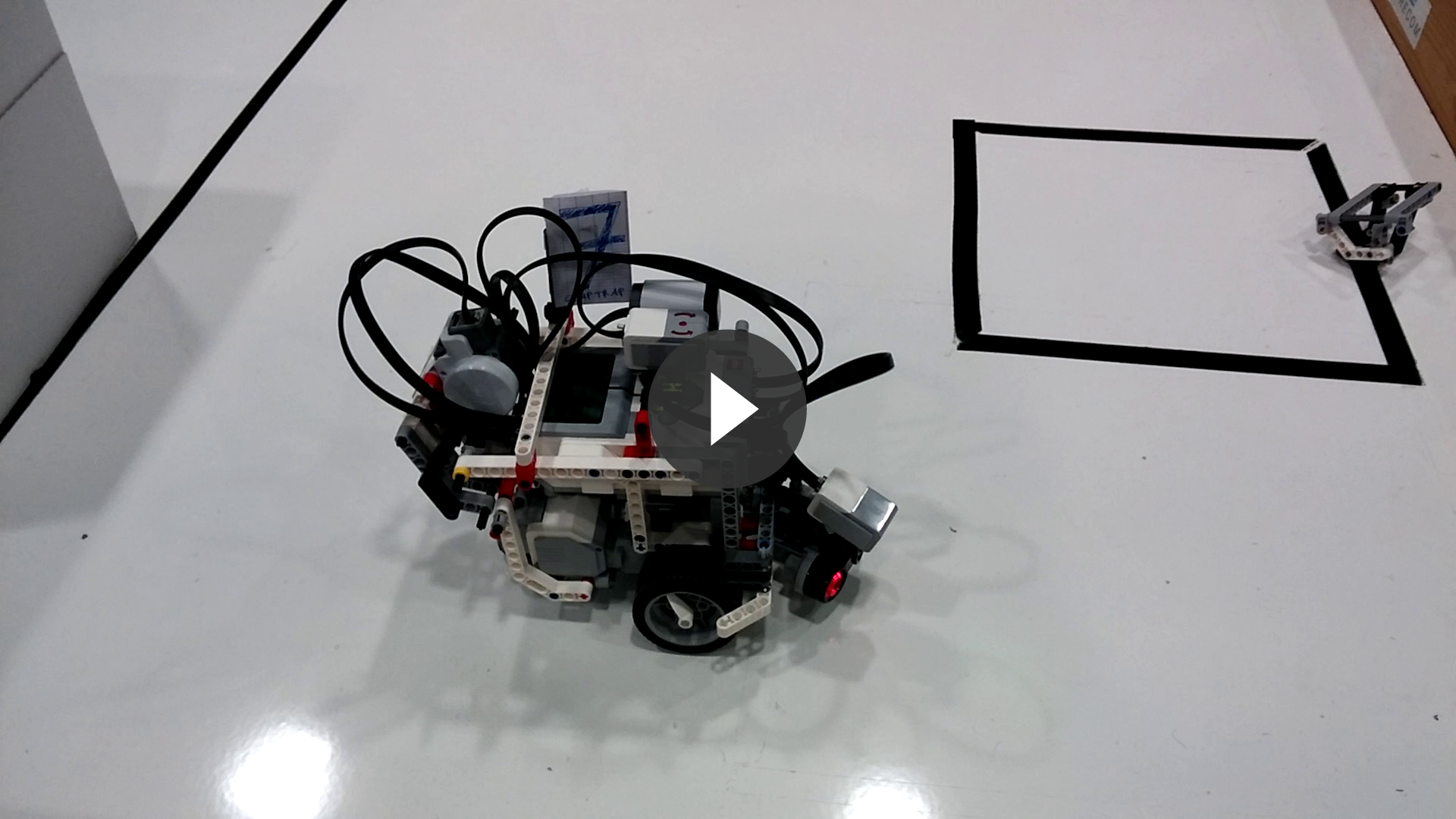
Sonar scan
Drop obstacle